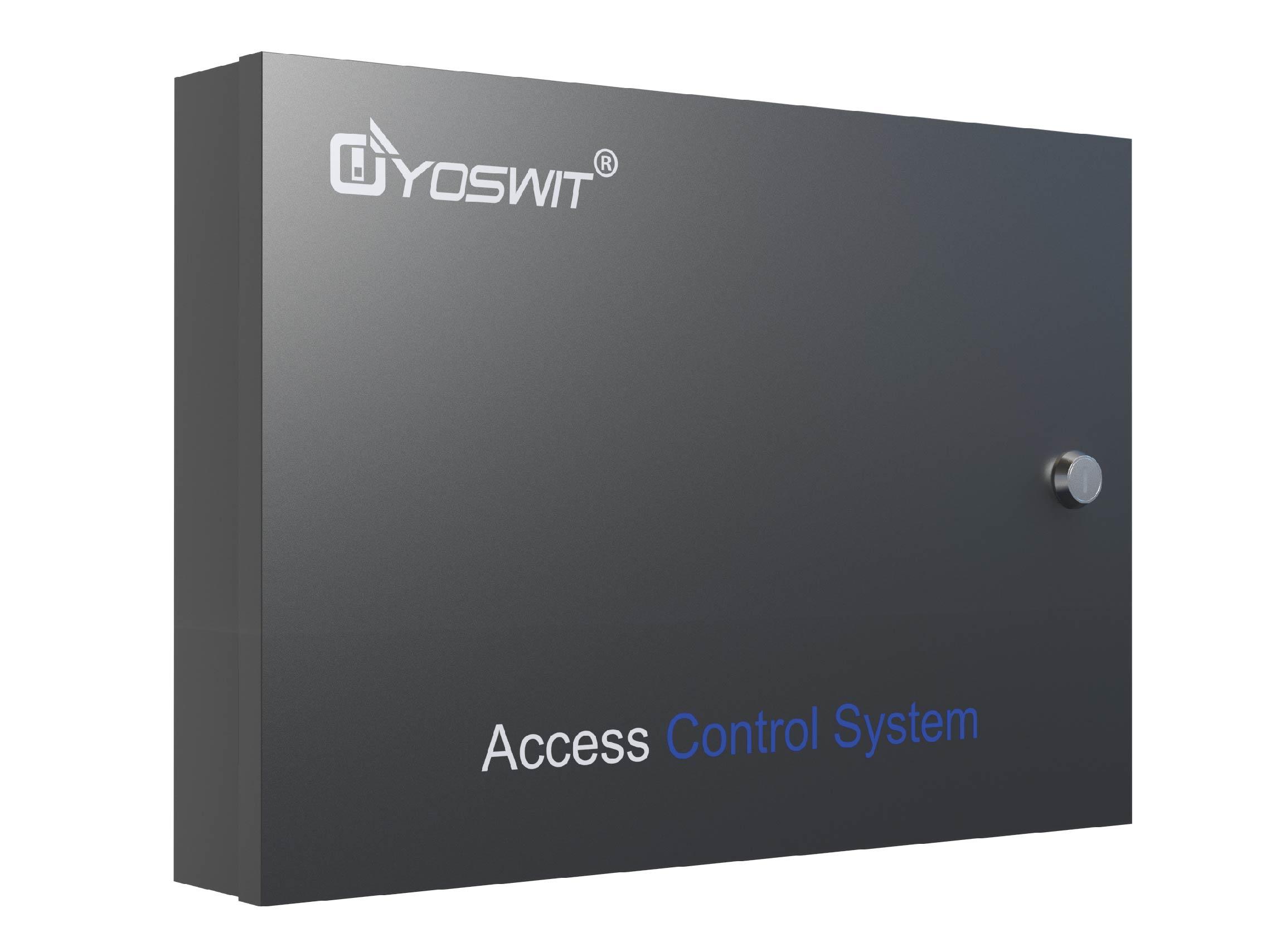
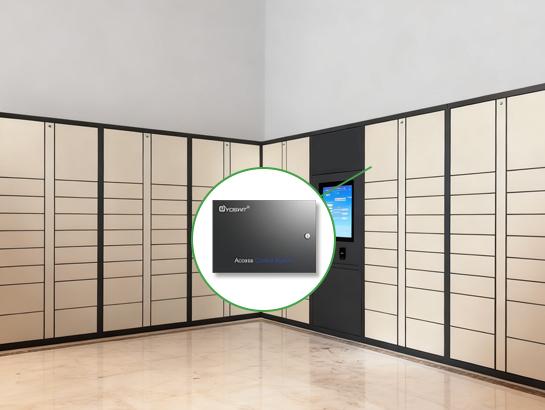
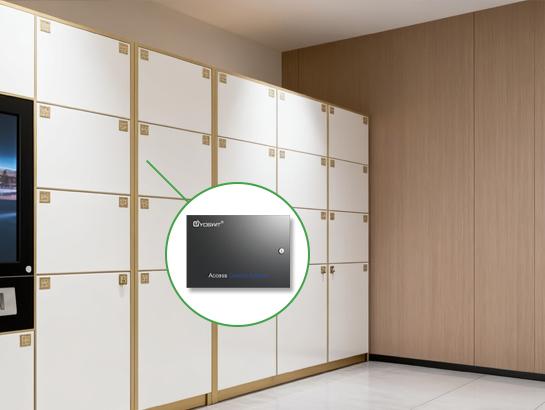
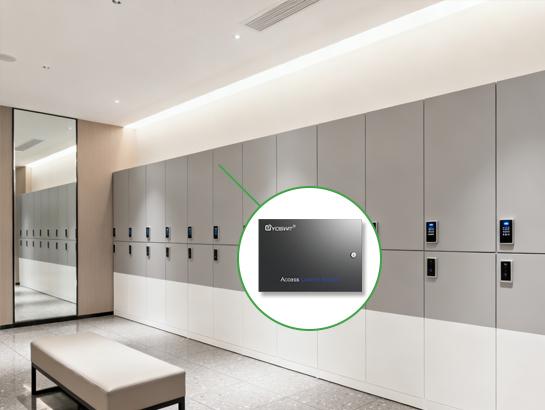
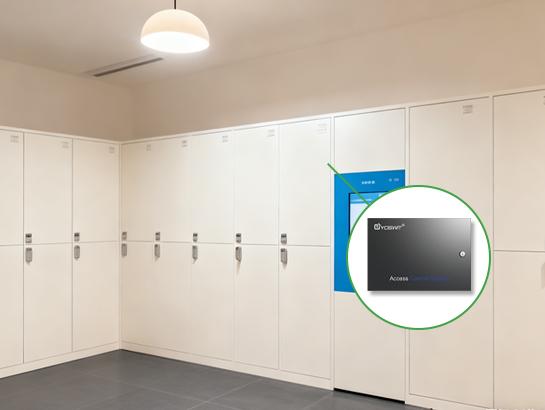
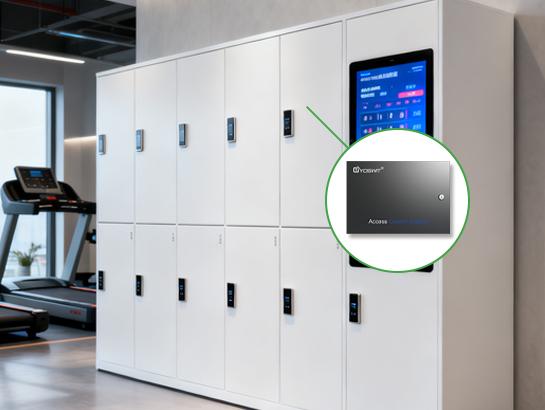
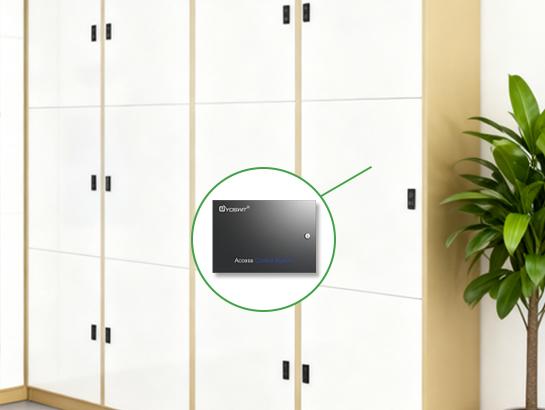
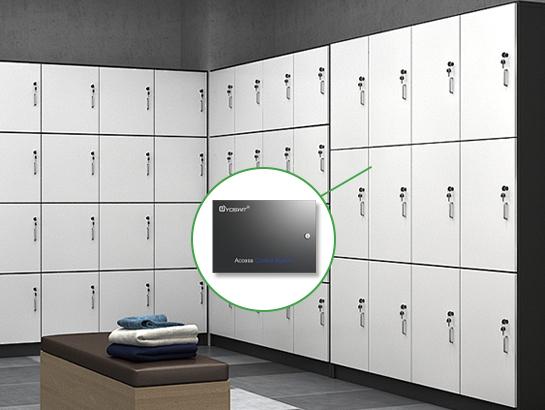
Smart Locker Access Controller


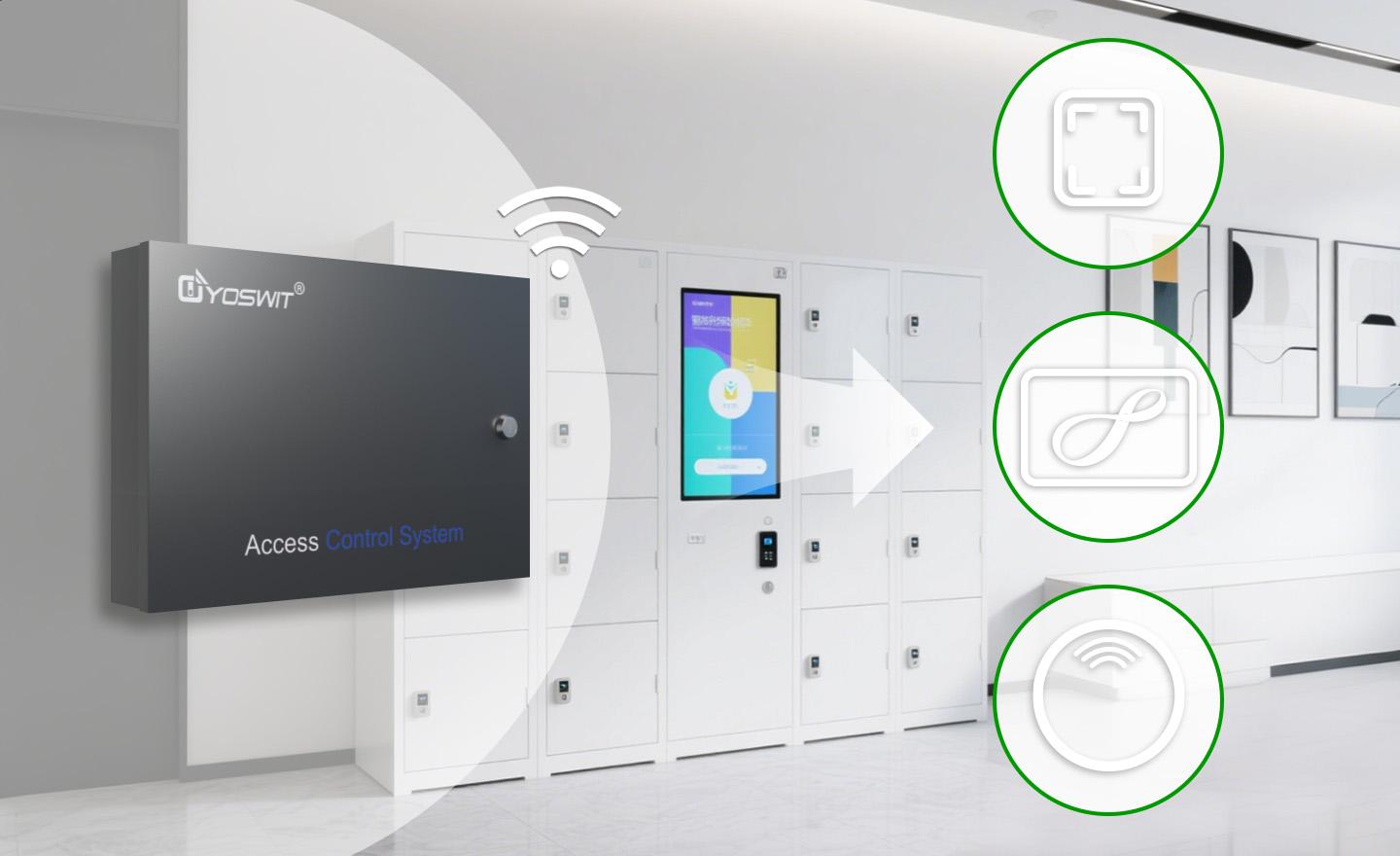
- Multiple Unlocking Methods Available
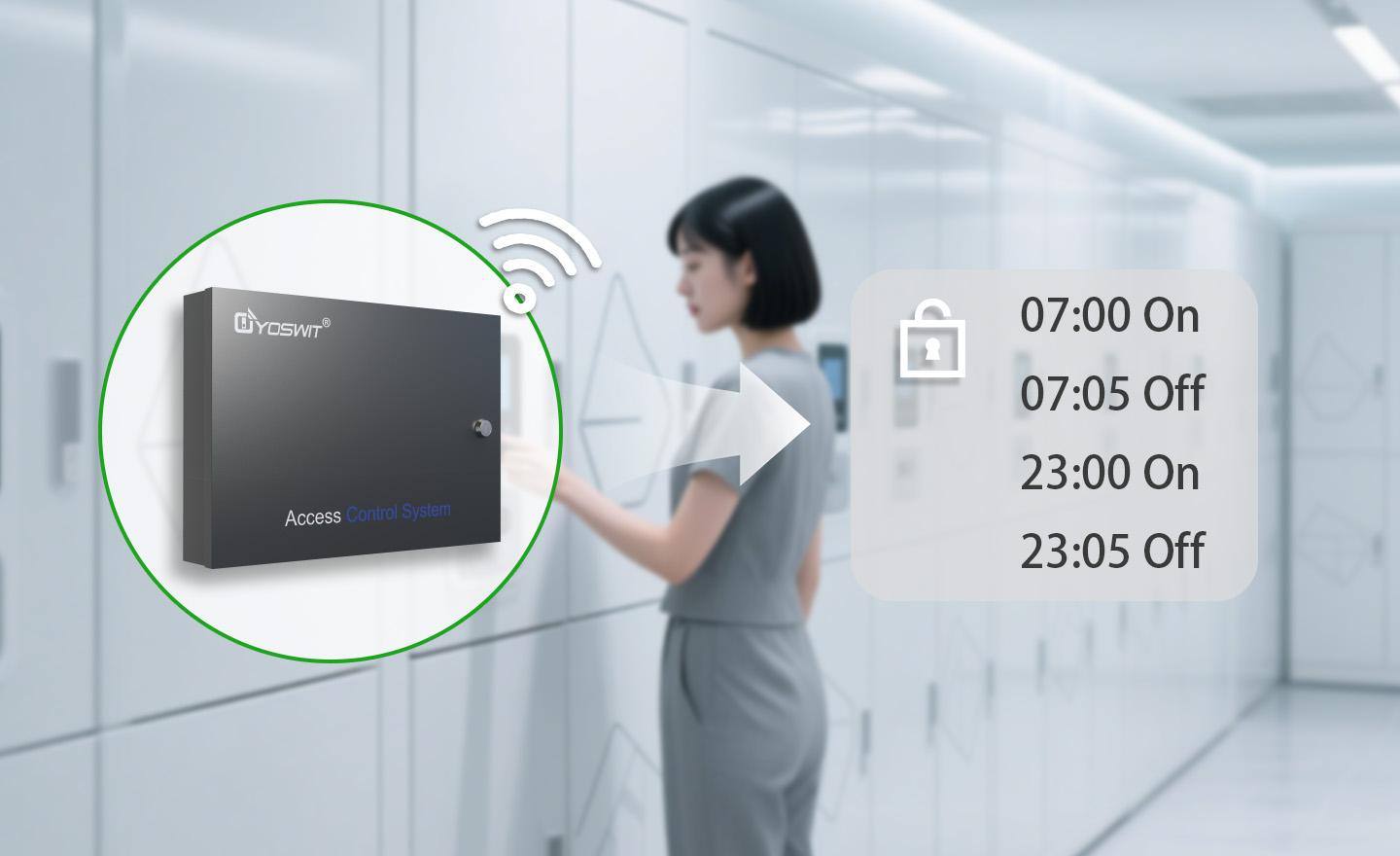
- Customizable Locking Times
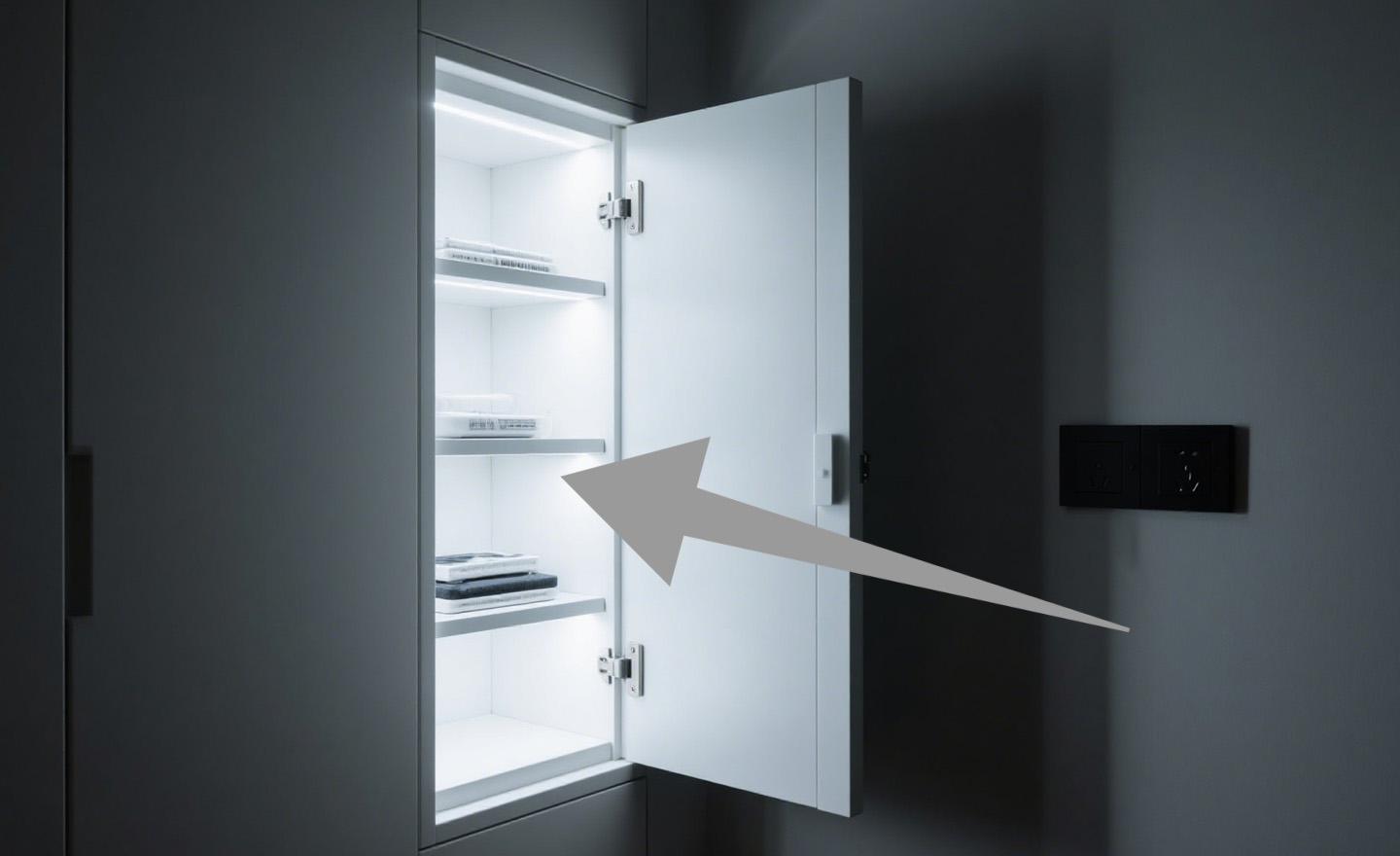
- Integrated LED Light for Automatic Illumination
- Integration with Access Control Systems
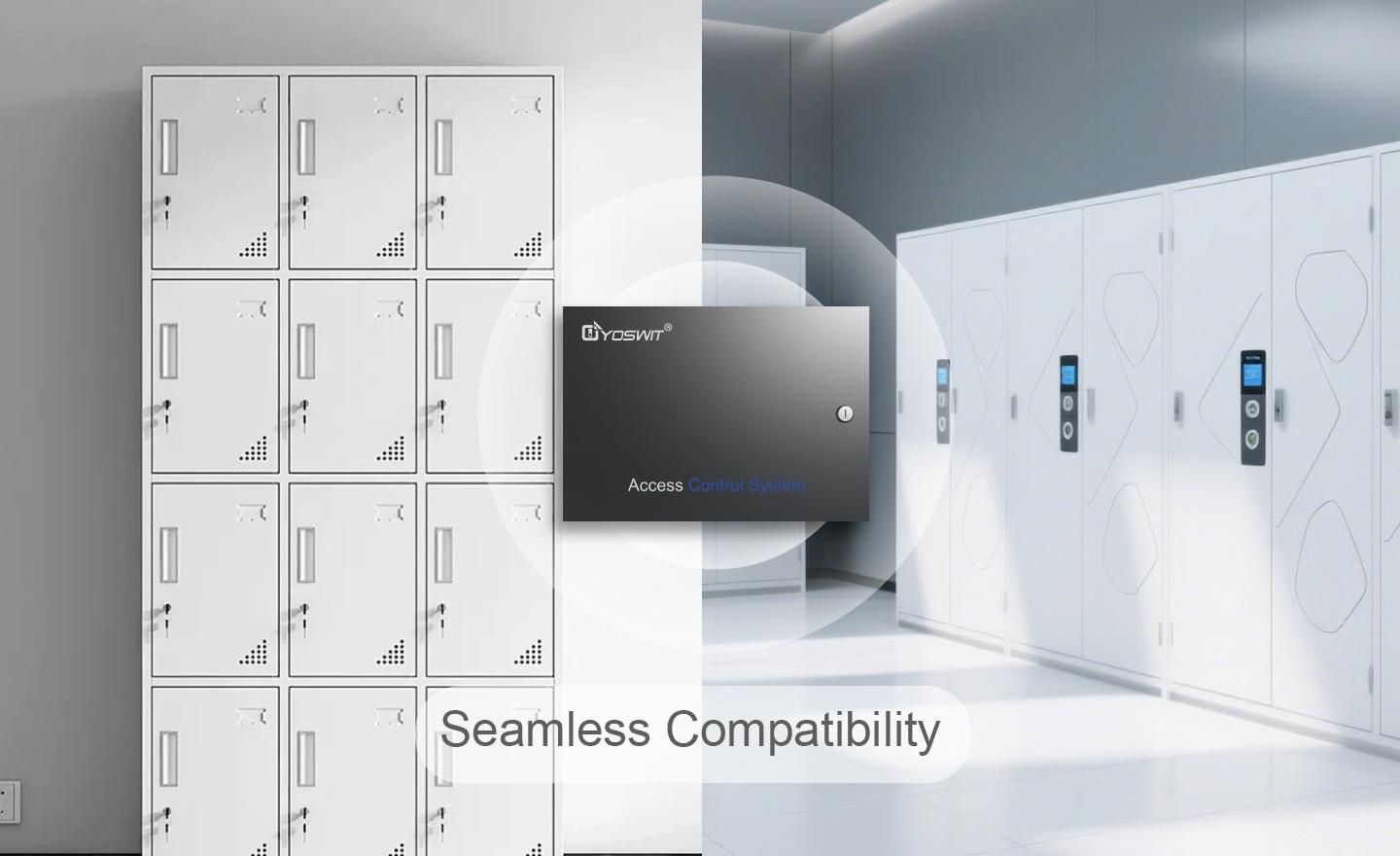
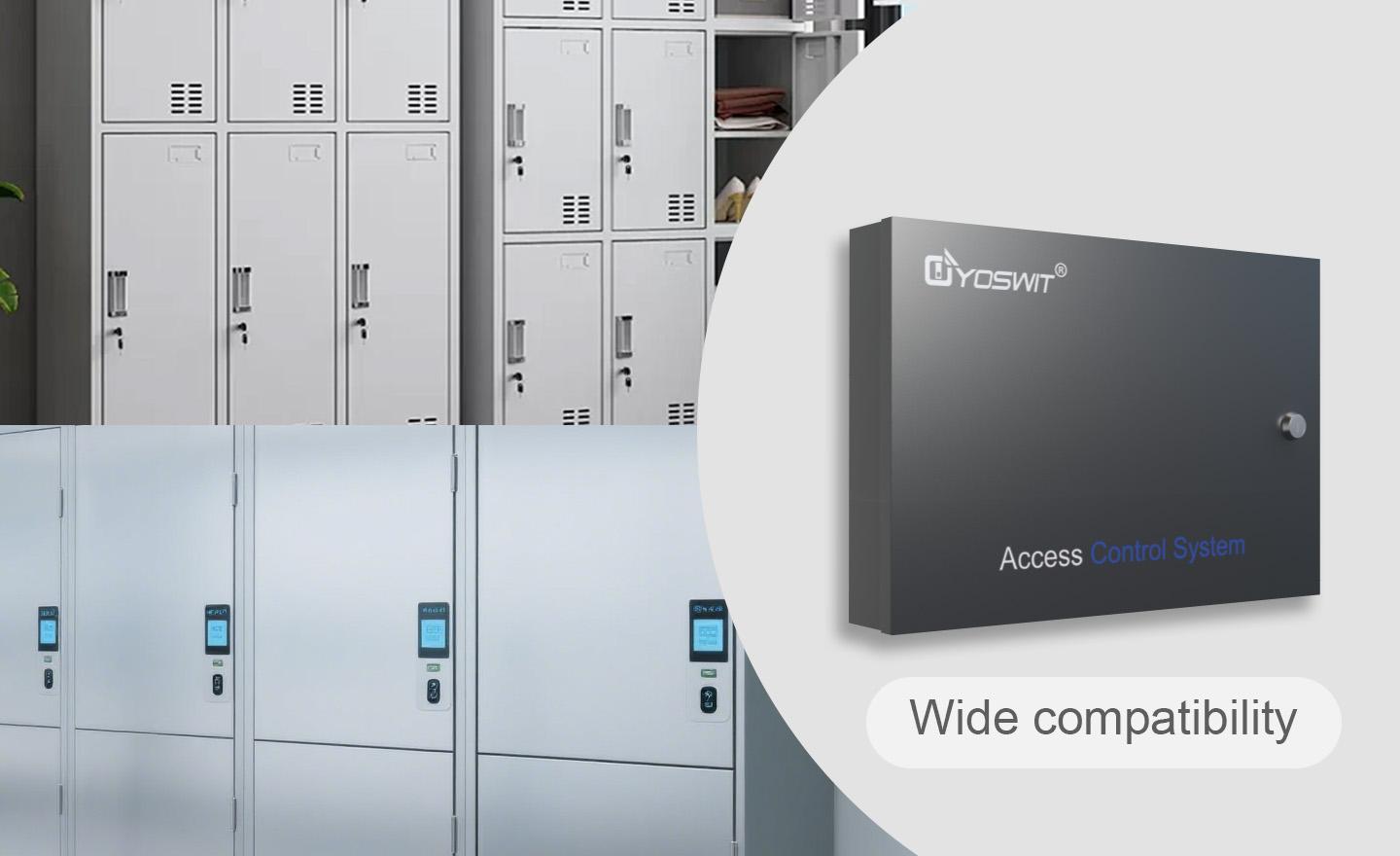
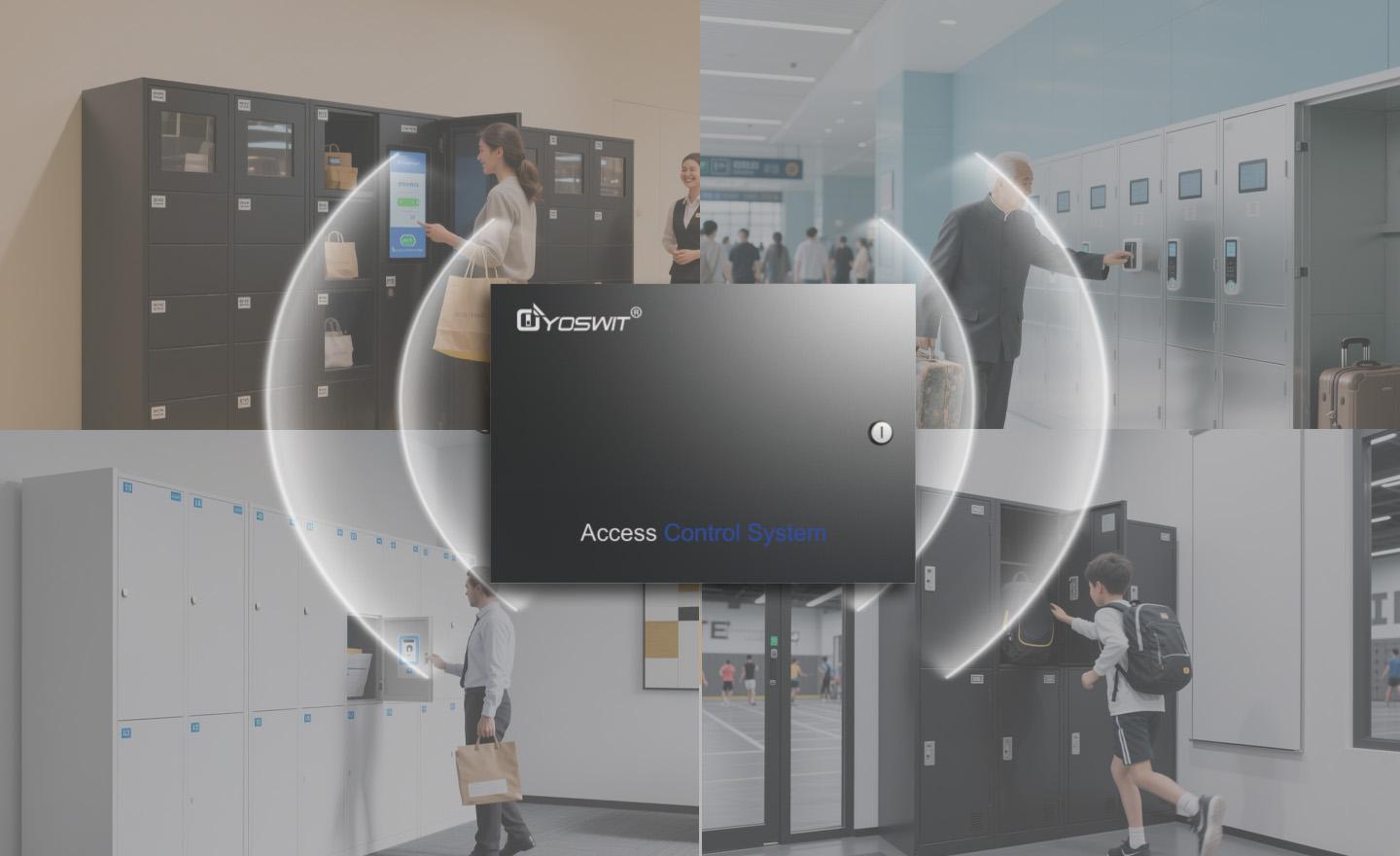
- Wide Compatible with Various Locker Brands
- Easy Operation for Storage and Retrieval
Features
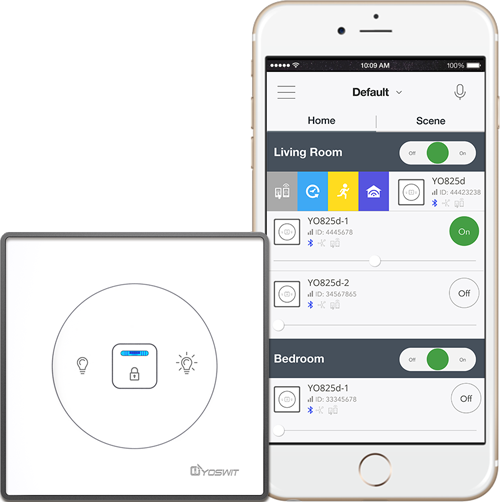
Run Your Home from Your Phone
Phone-Centered Control System for Full-Range Automation of Your Whole Connected Home









Bluetooth Version
We use Bluetooth 4.2 (also sometimes referred to as Bluetooth Low Energy or BLE) as the core processor of our products.
Compatible Devices
We support all Smart Ready products with our application installed. Please click here to get the growing list.
iOS Support
We support iOS 13.0 or later.
Android Support
We support Android 7 or later.
| General | ||
| Product Name |
Yoswit Smart Locker Access Controller
|
|
| Model |
YO191-LK
|
|
| Revision |
V1.0
|
|
| Compliance |
CE, FCC, RoHS
|
|
| Manufacturer |
Designed by Yoswit in Hong Kong, China / Assembled in Guangdong, China
|
|
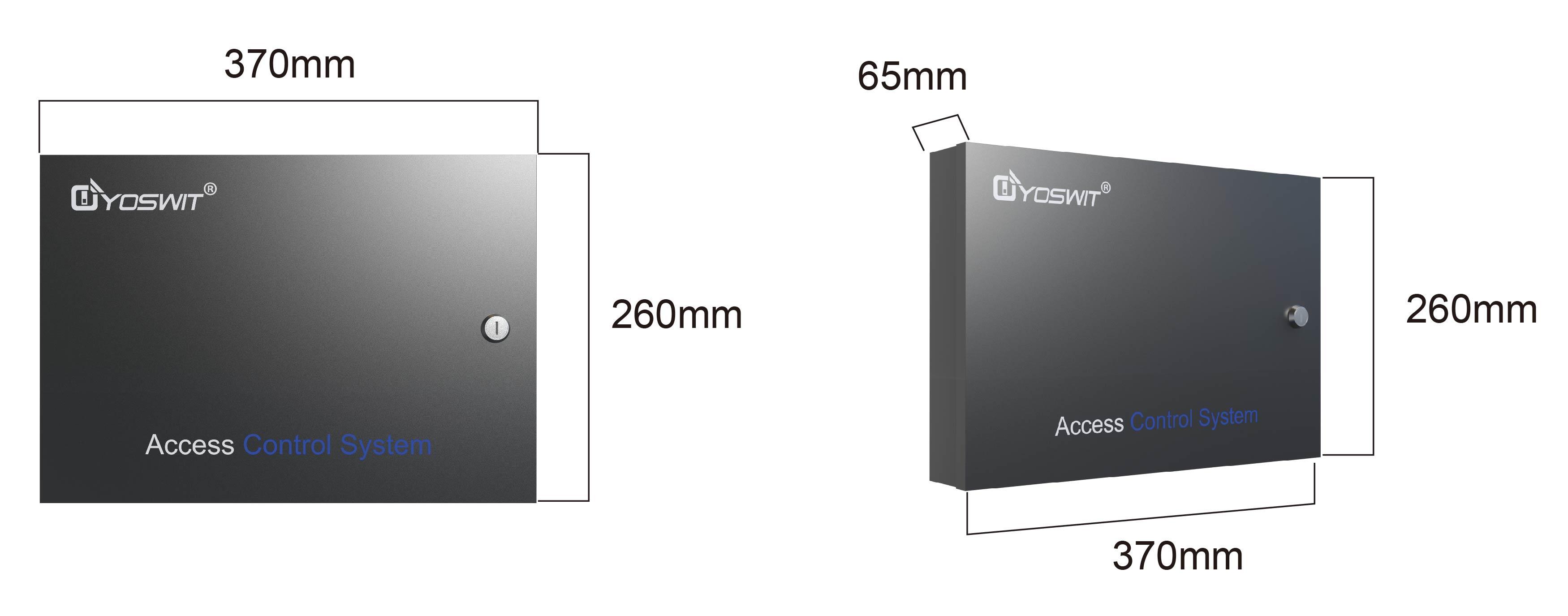
| Dimensions | ||
| Product Size |
|
|
| Specification | ||
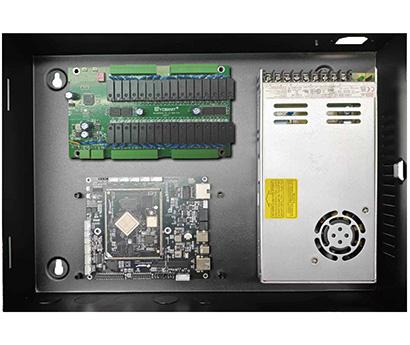
| Interior Image |
|
|
| Operation Power |
DC12V±10%
|
|
| Power Consumption |
≤10W
|
|
| Port1 |
8 Channels, paired to 4 COMs
|
|
| Port2 |
8 Channels, paired to 4 COMs
|
|
| Port3 |
8 Channels, paired to 4 COMs
|
|
| Port4 |
8 Channels, paired to 4 COMs
|
|
| RS485 |
1 Channel, Baud rate: 9600
|
|
| Operation |
Input Unit
|
|
| Operating Temperature |
-20℃ to 85℃
|
|
| Operating Humidity |
0-95% RH, Non-Condensing
|
|
| Package | ||
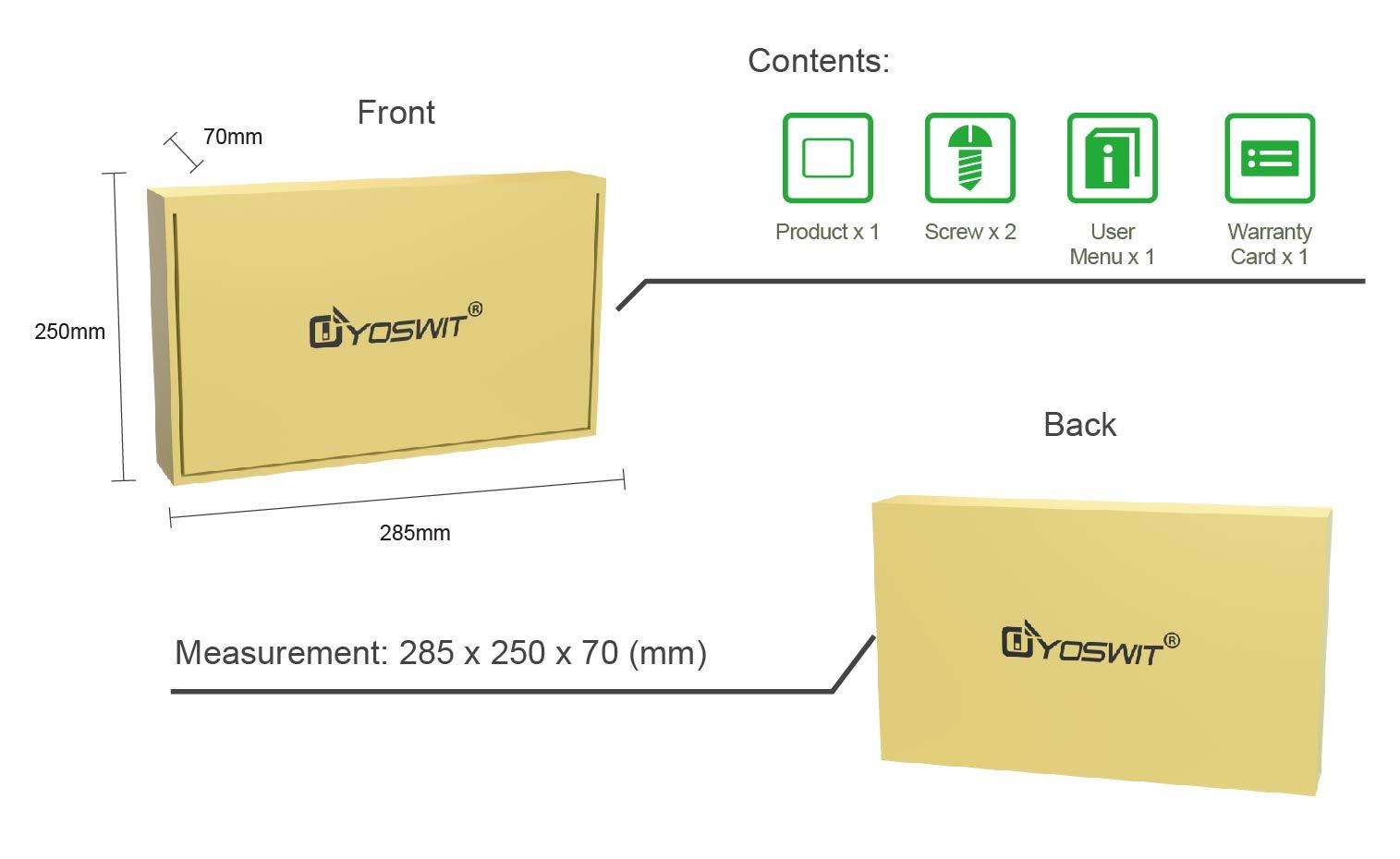
| What's in the Box |
|
|
WARNING!
To prevent severe shock or electrocution, always disconnect the power supply to the lift system. This will help avoid electric shock and damage to the controller during installation. Only licensed electricians should carry out the installation.
Basic Installation
1
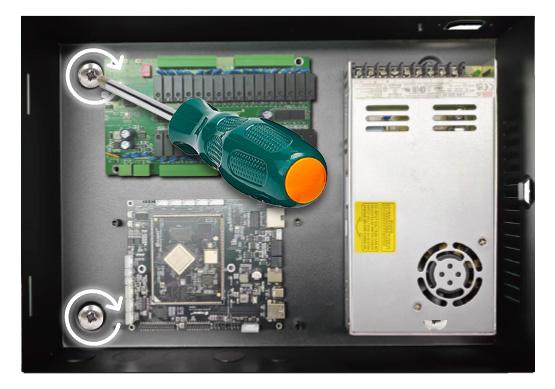
Use screws or brackets to securely mount the locker controller at the installation position. Make sure the controller is stable and will not vibrate or move during operation.
2
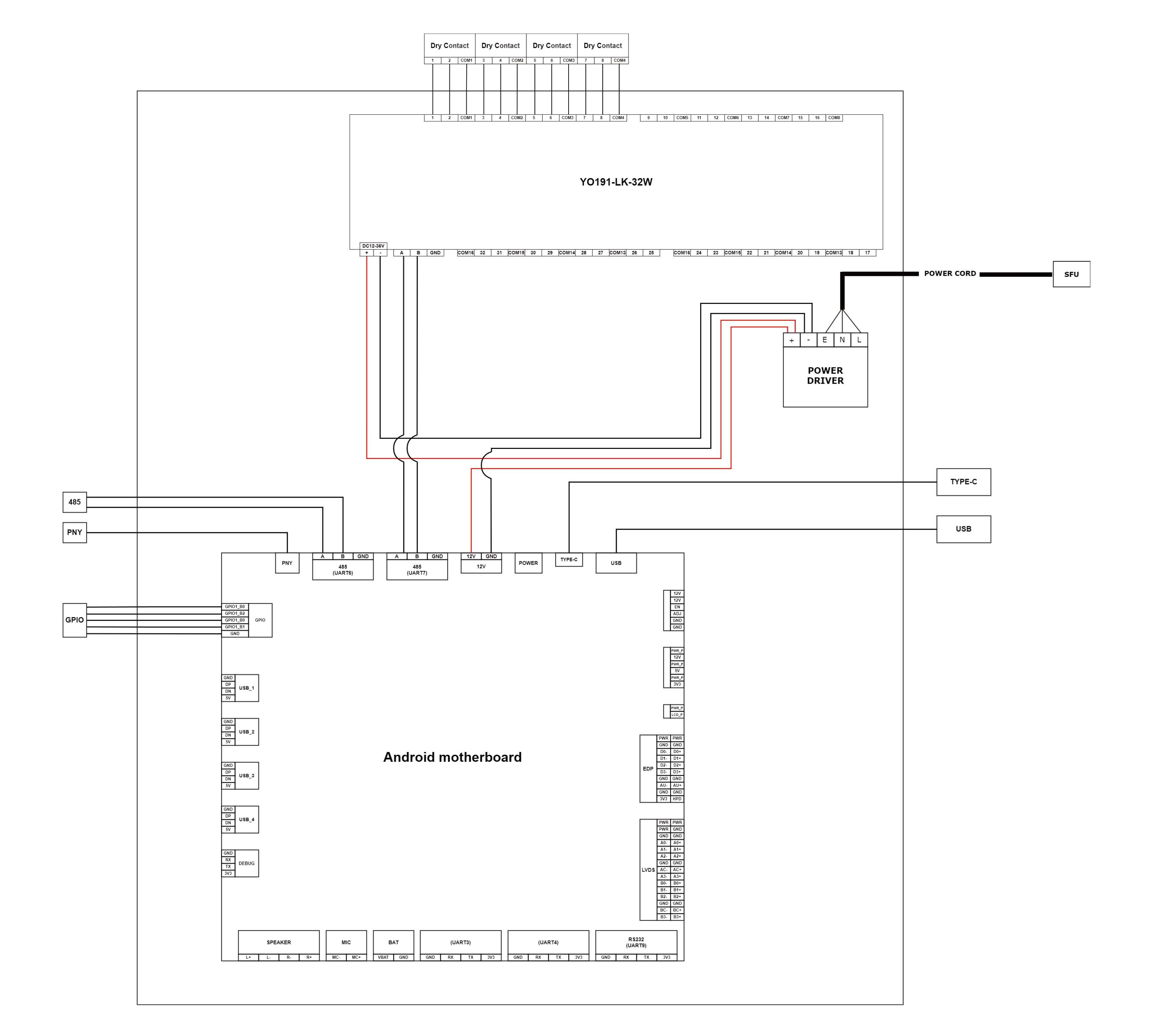
Connect the power wires, signal wires, and other relevant wires according to the wiring diagram in the manual. Make sure the wire connections are firm and the polarity is correct.
3
Warning
To reduce the risk of electrical shock, the unit shall be properly grounded in accordance with local regulations or codes. Failure to connect the ground wire will result in an unsafe installation that could lead to personal injury.
4
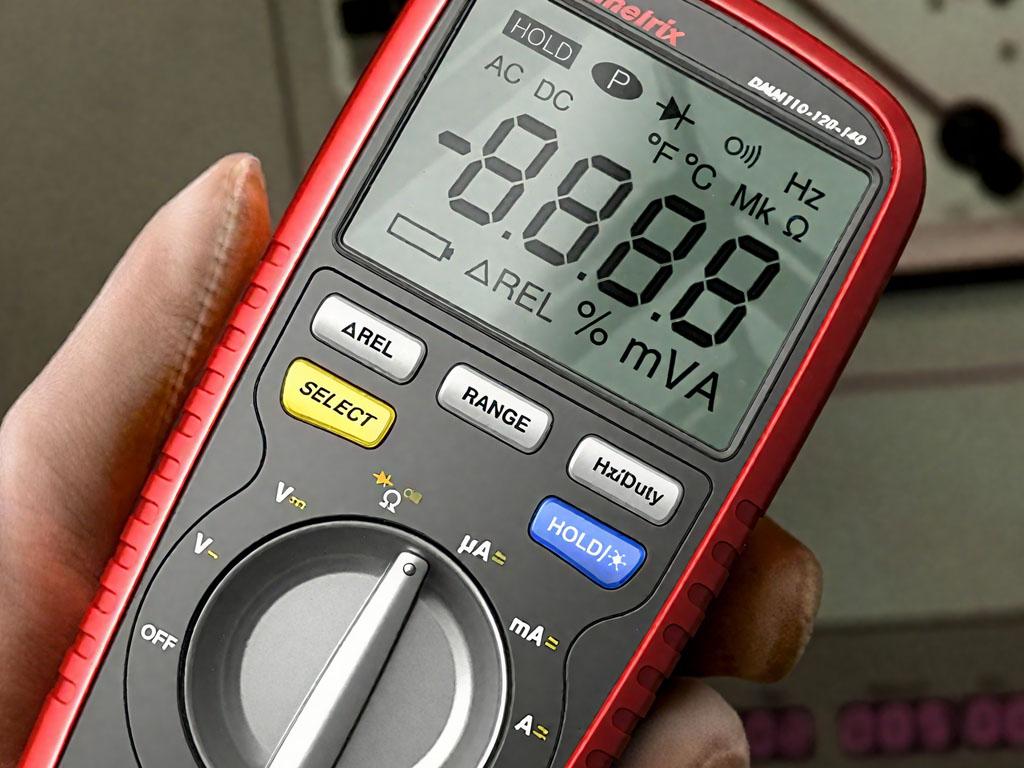
Use a multimeter to check the wiring for any short circuits or open circuits.
5
After the physical installation is complete, power on the locker controller and configure its parameters according to actual needs.
6
Lock the locker controller with the key and keep the key in a safe place.
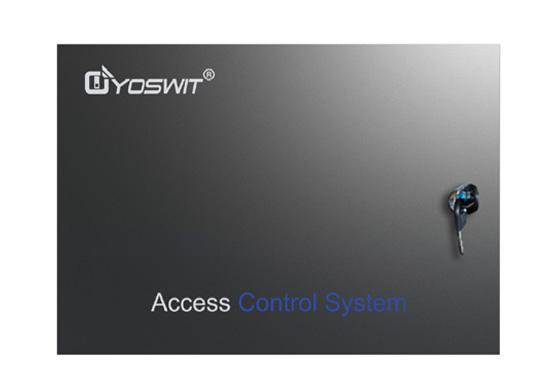
Installation complete.
Download the Yoswit App and enjoy it now!
Yoswit will automatically detect the switch and add it to your device list.
| Downloads | ||
| Certification | ||
| User Manual | ||
| Data Sheet | ||
| Leaflet | ||
| Yoswit App |
|
|
| Yoswit App (Android Apk) | ||